Windows Step-by-Step Guide
1. Required Software and links
- Tor Browser – https://www.torproject.org/
- Gpg4win – https://www.gpg4win.org/
- TorTaxi – https://www.tor.taxi/
2. PGP Key
After you have installed gpg4win, you will need to open Kleopatra, which is one of few apps in gpg4win suite, and only one u will need for this. After you have opened Kleopatra, we can start creating your first pgp key.
2.1 Creating key
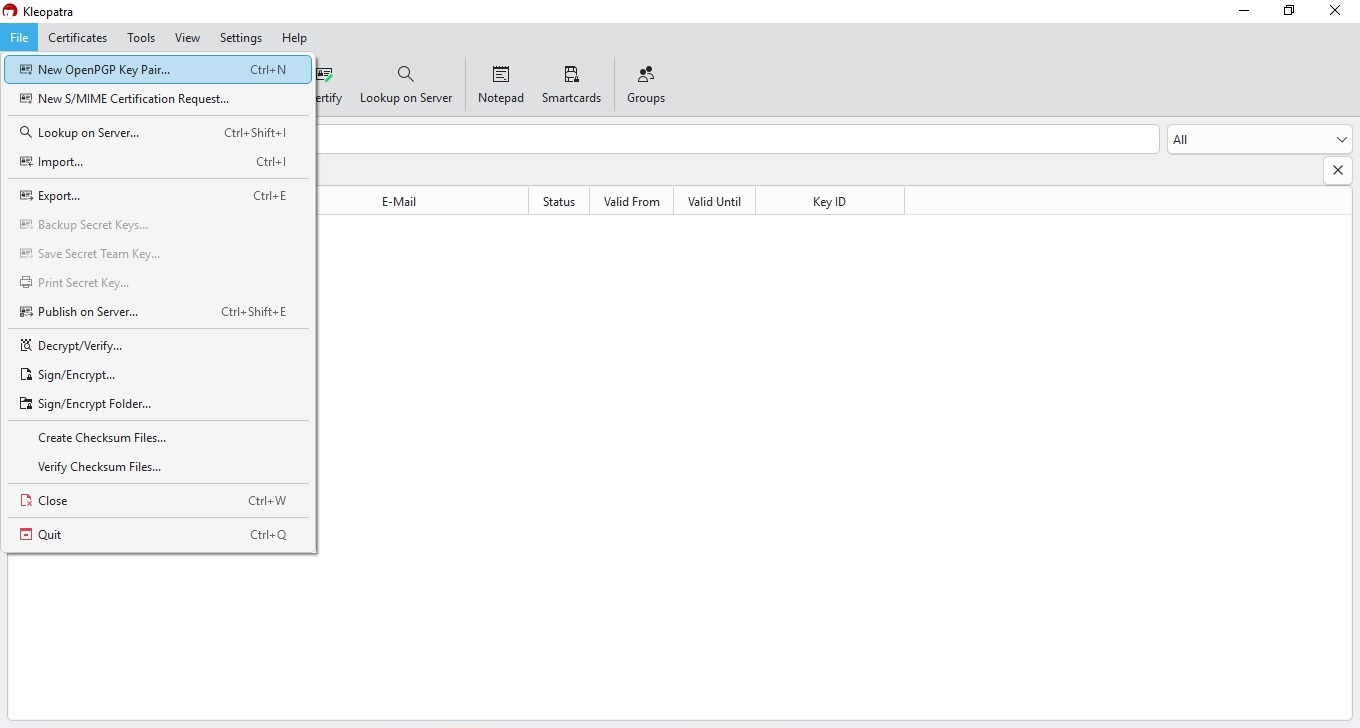
This is first and simple step, we will create new key on your PC, with images, you will need this key to register on drughub. When you open Kleopatra, u will go to FILE and then click on New OpenPGP Key Pair... or use shortcut Ctrl+N
2.2 Key Window
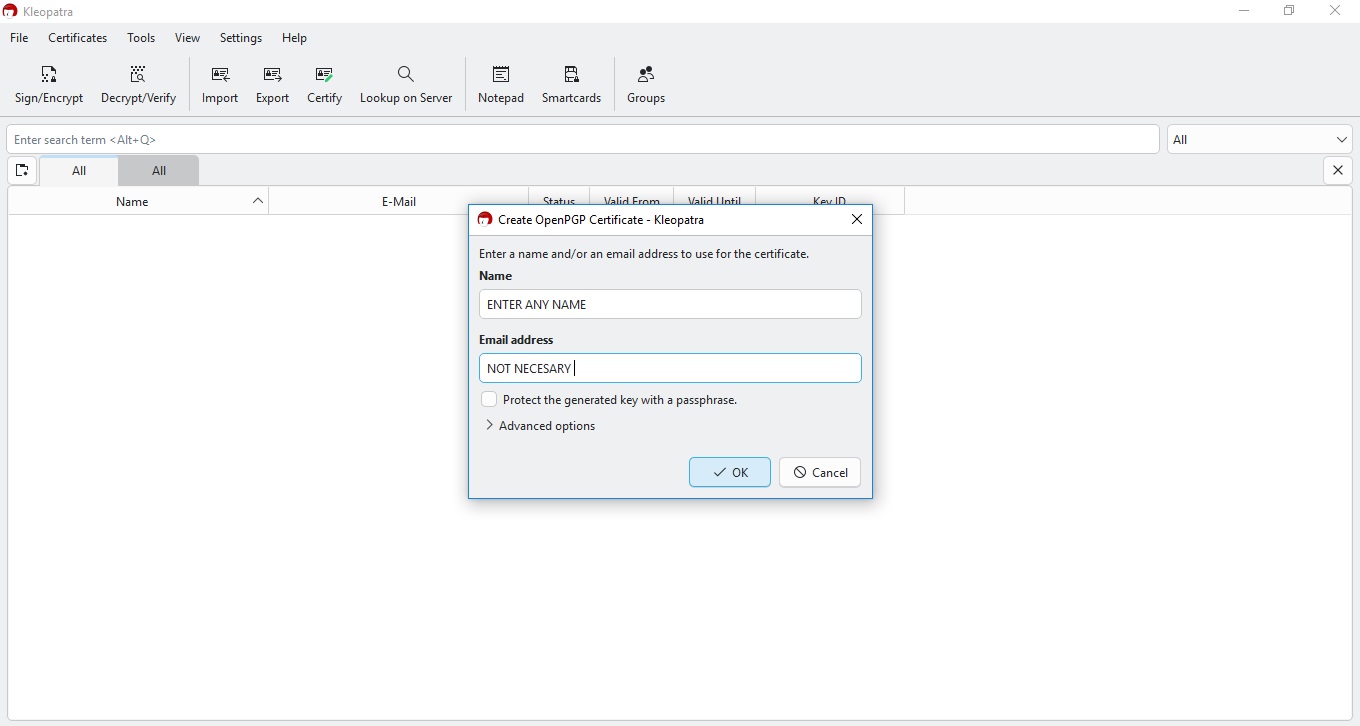
Another really simple step, u need just to put your name (it can be alias, fake, whatever you want). Email is optional, so you don´t need to put it in. Now Press OK and voila key is created
2.3 Key has been created
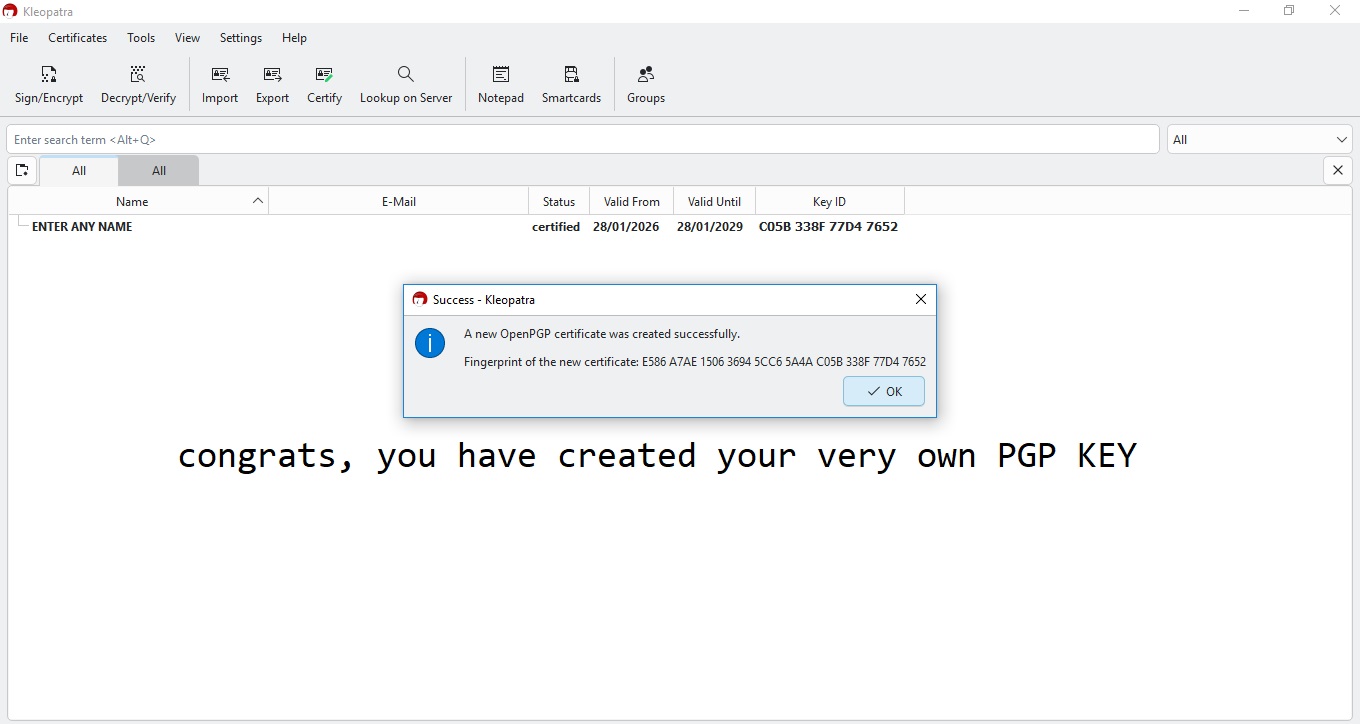
If you did everything as explained, you will have window similar to this one.
2.4 Set Passphrase
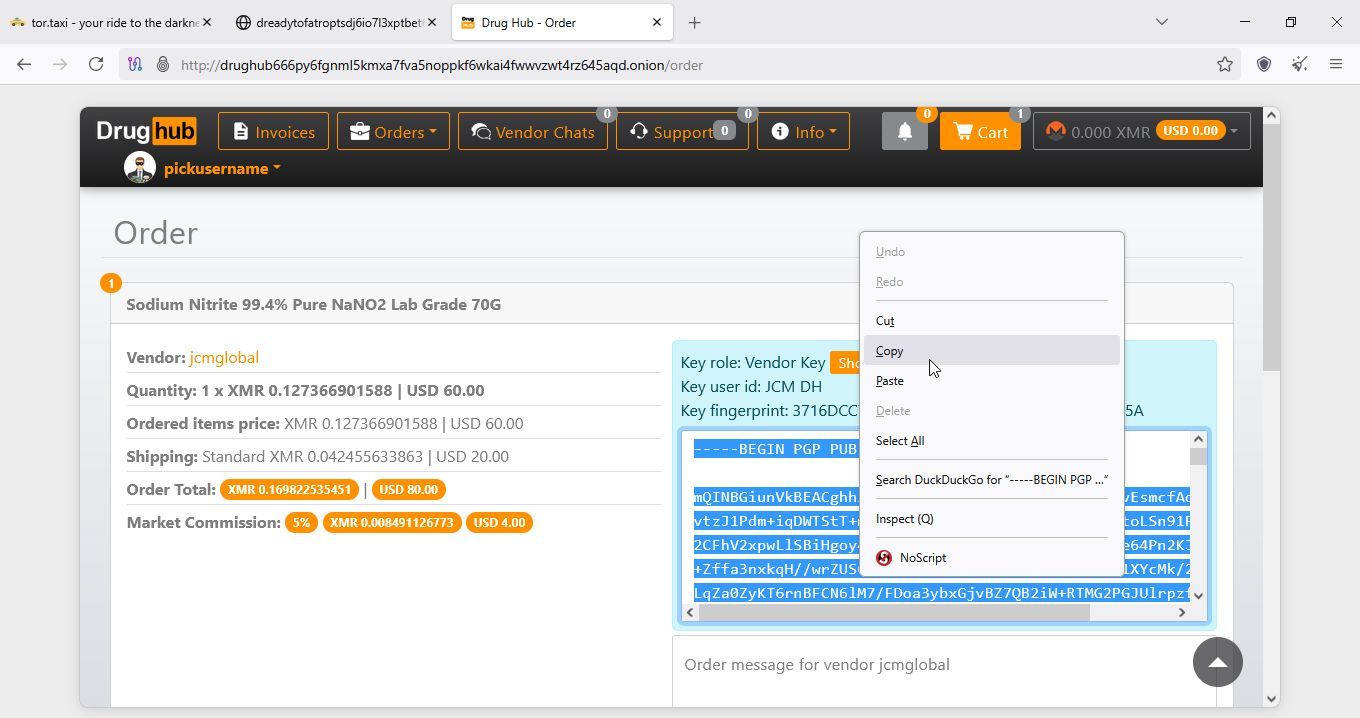
You will need public key to register, login to drughub, and comunicate with vendor and order. First click on your identity as shown in next image
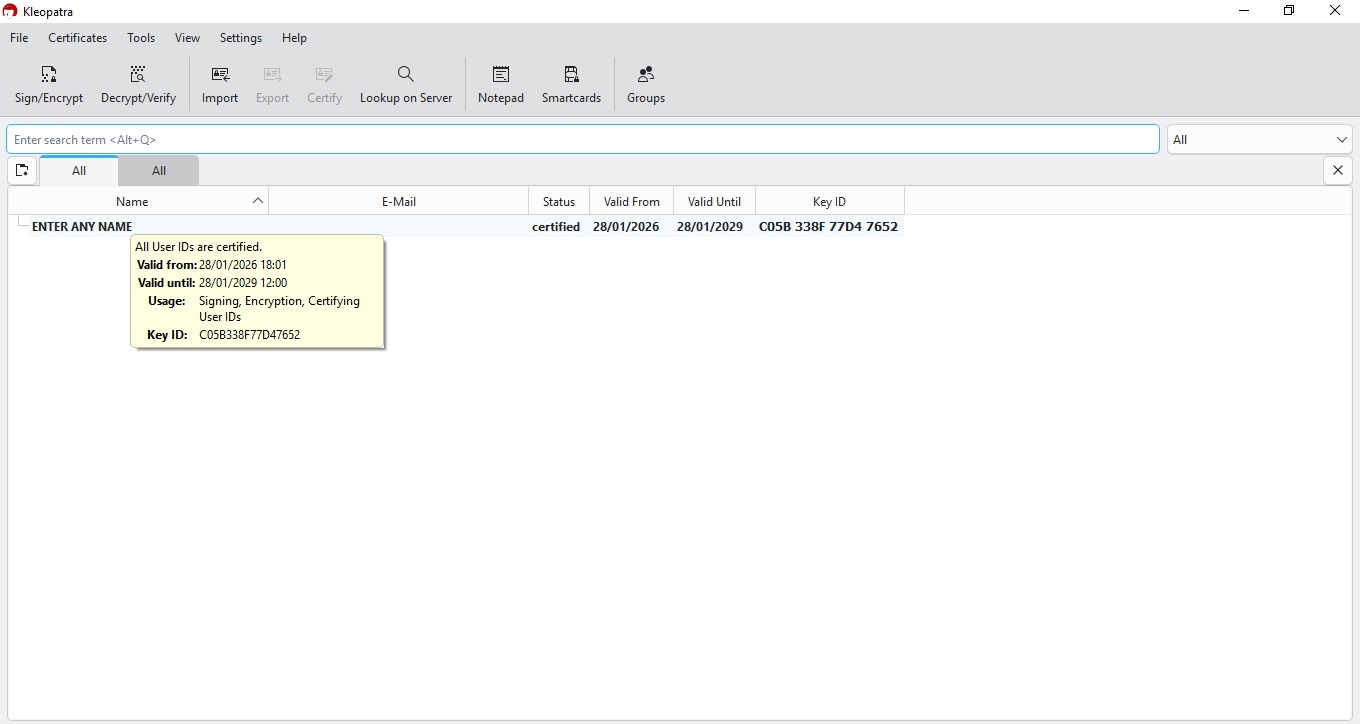
Now you will get new window that looks like this
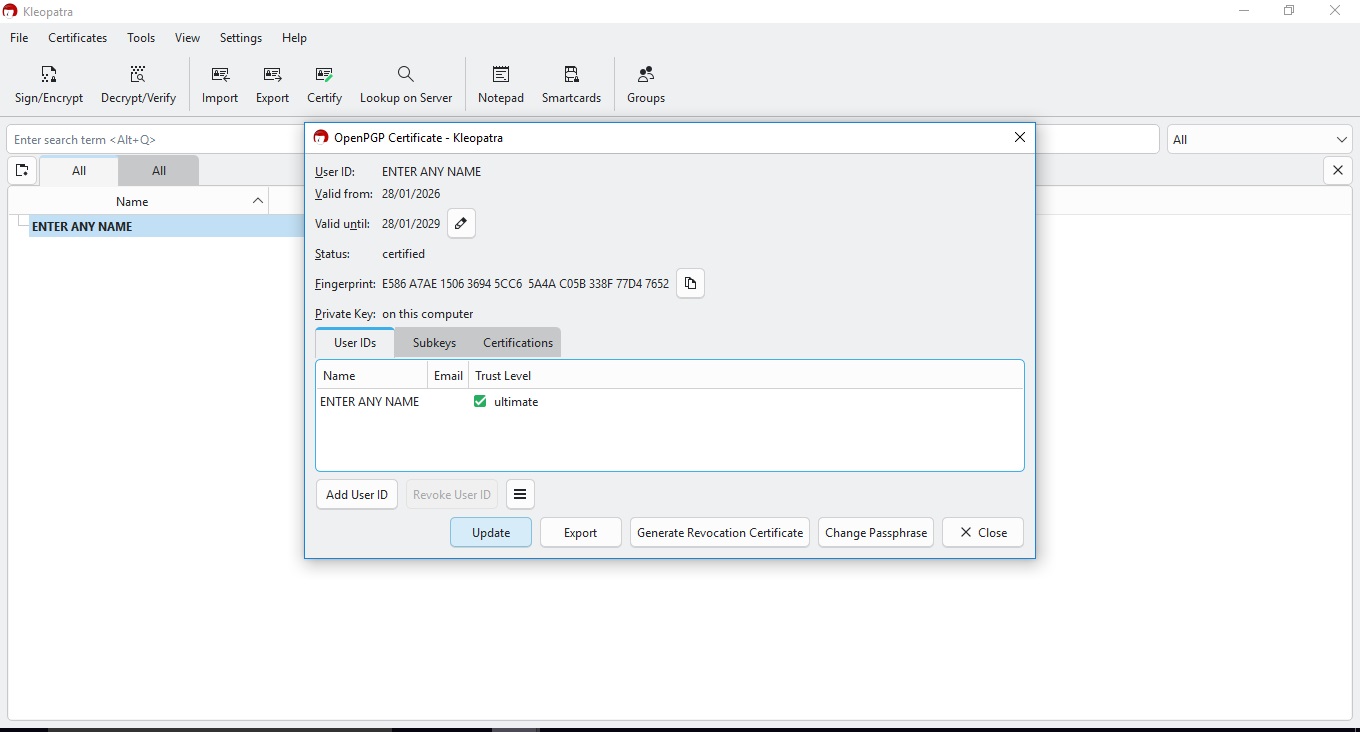
Now click on export, and you will get window that should look like this one
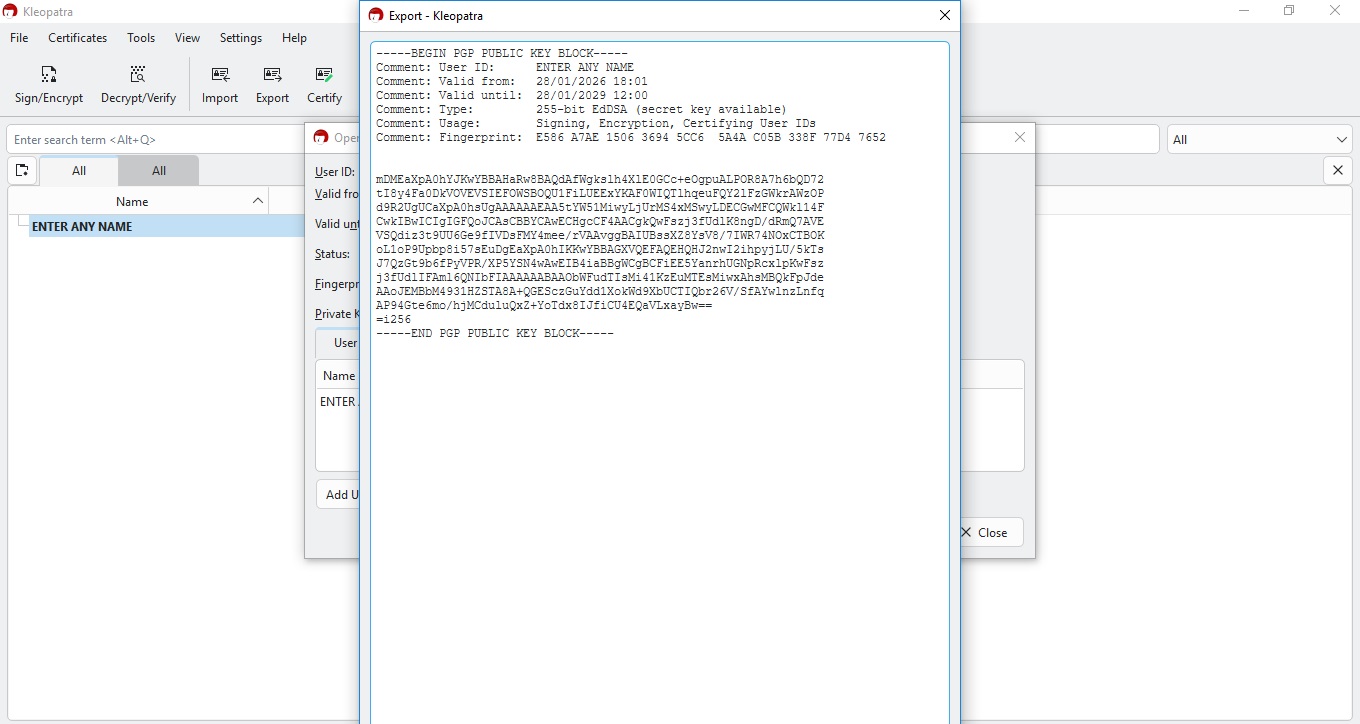
There you are, you made your very pgp key and learned how to export it.
3. Registration
3.1 Using and setting Tor
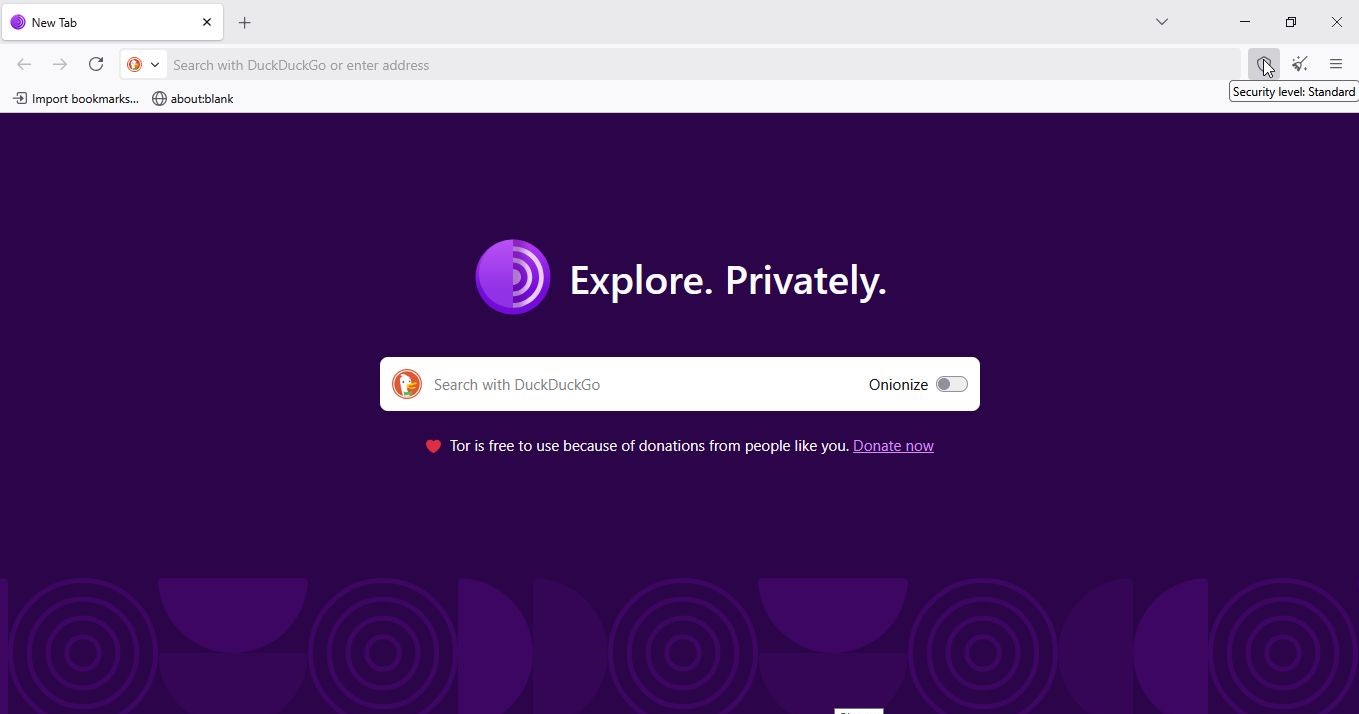
First we need to run Tor Browser we instaled earlier, after we open Tor Browser we need to make sure we have Javascript turned off, and now il show you how. Click on security level, as pictured below
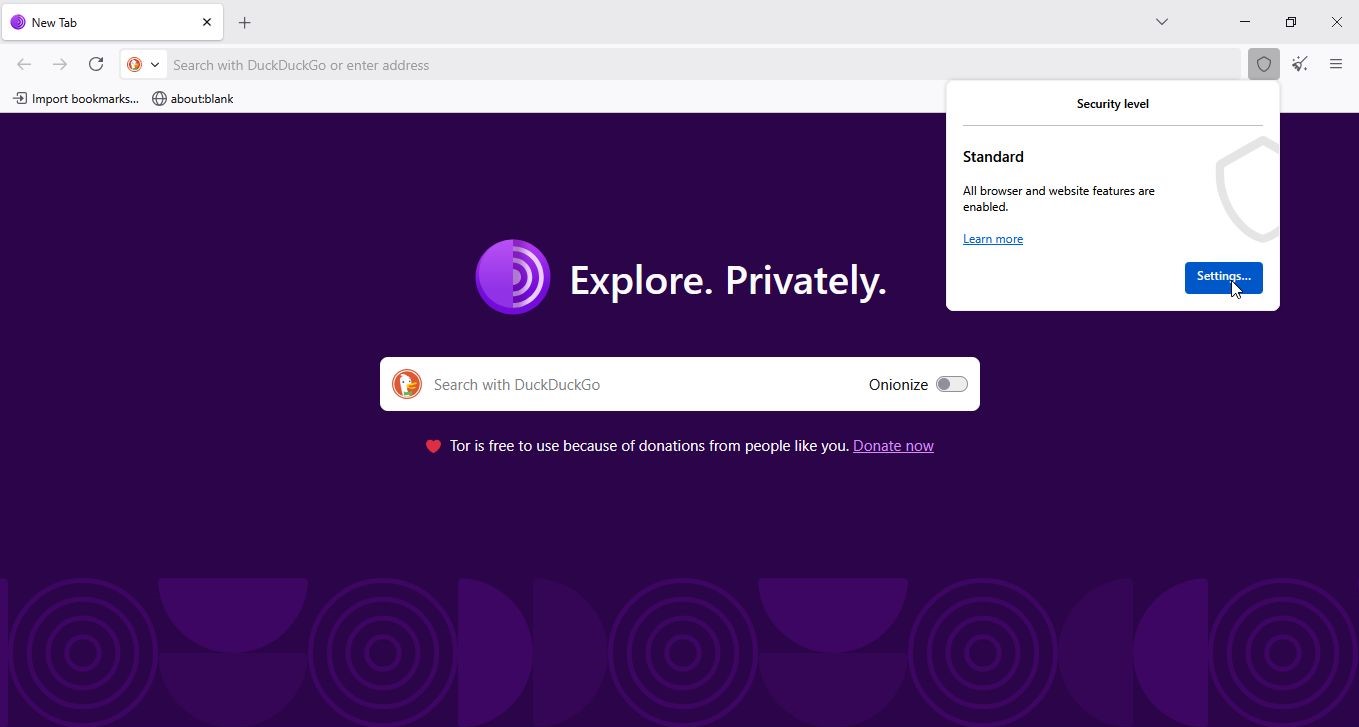
After you clicked on security level you will be offered prompt, now click on settings, as pictured below.
This will open settings window, as pictured below.
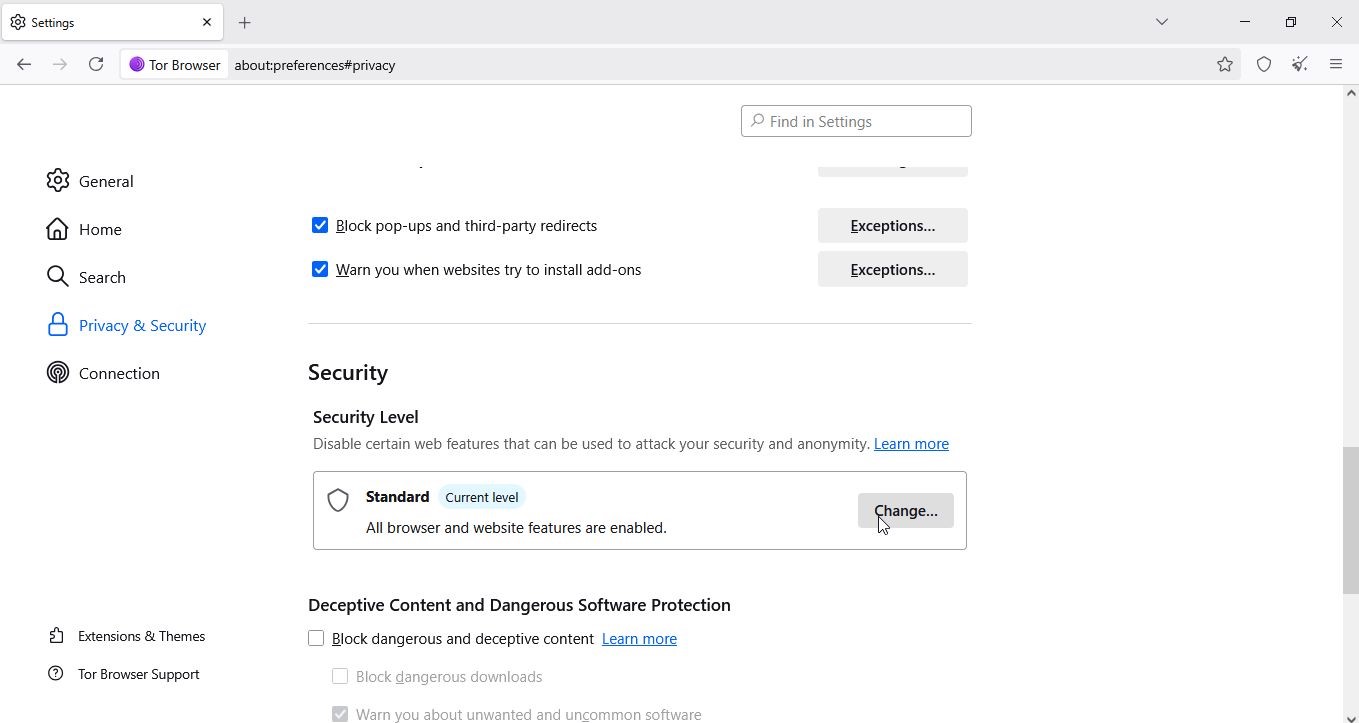
Now you click on change, and choose safest
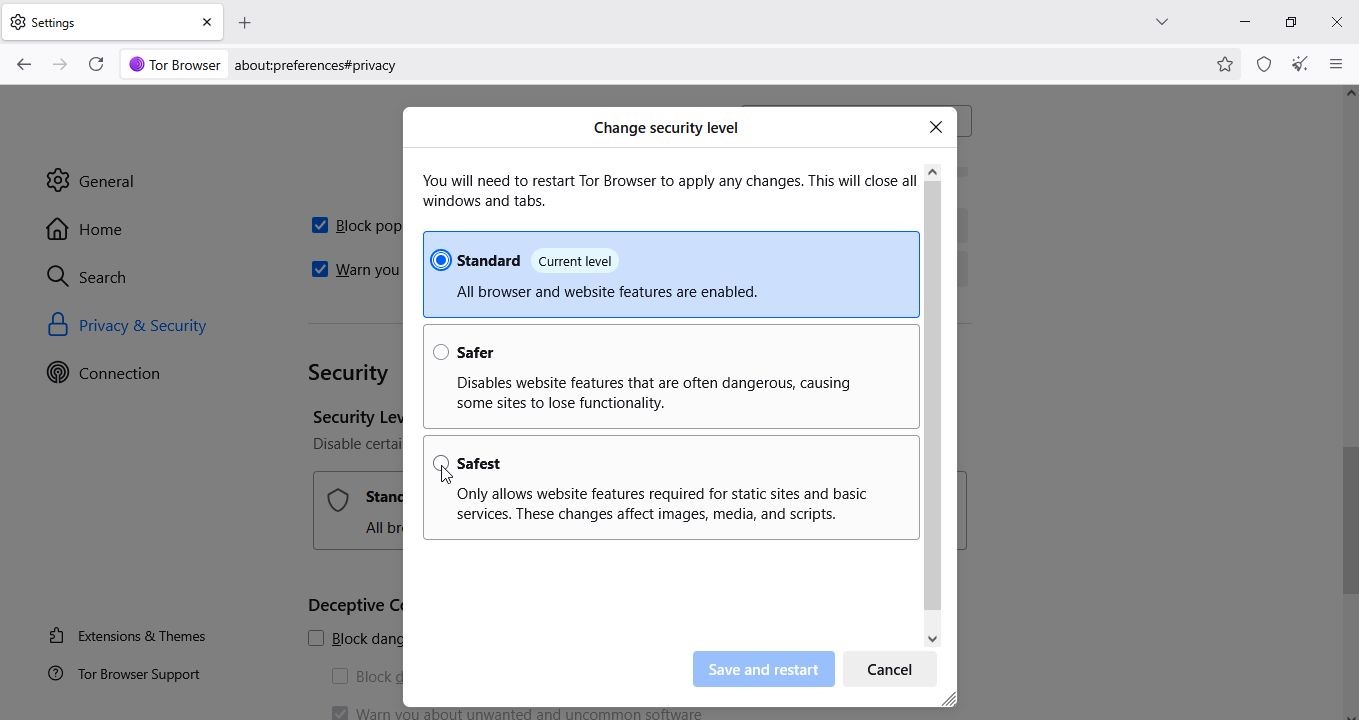
After you chose safest, now click on save and restart.
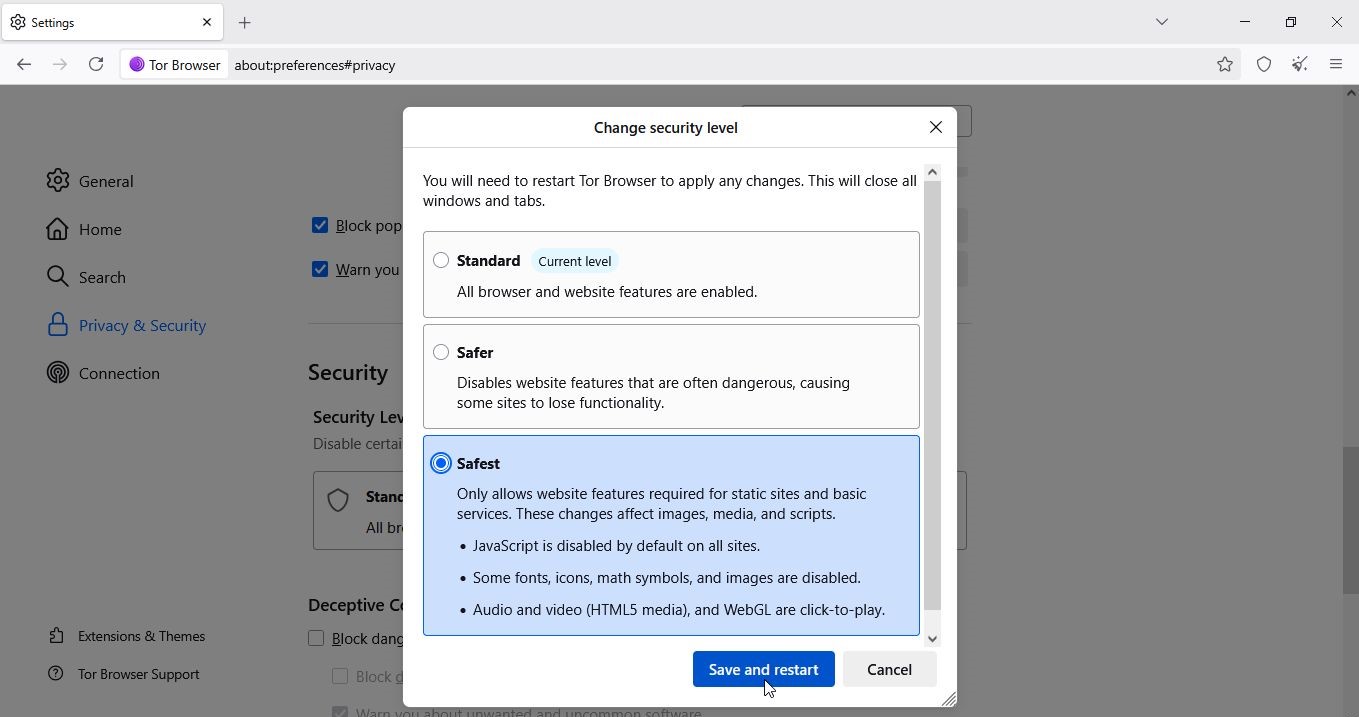
3.2 Opening DrugHub
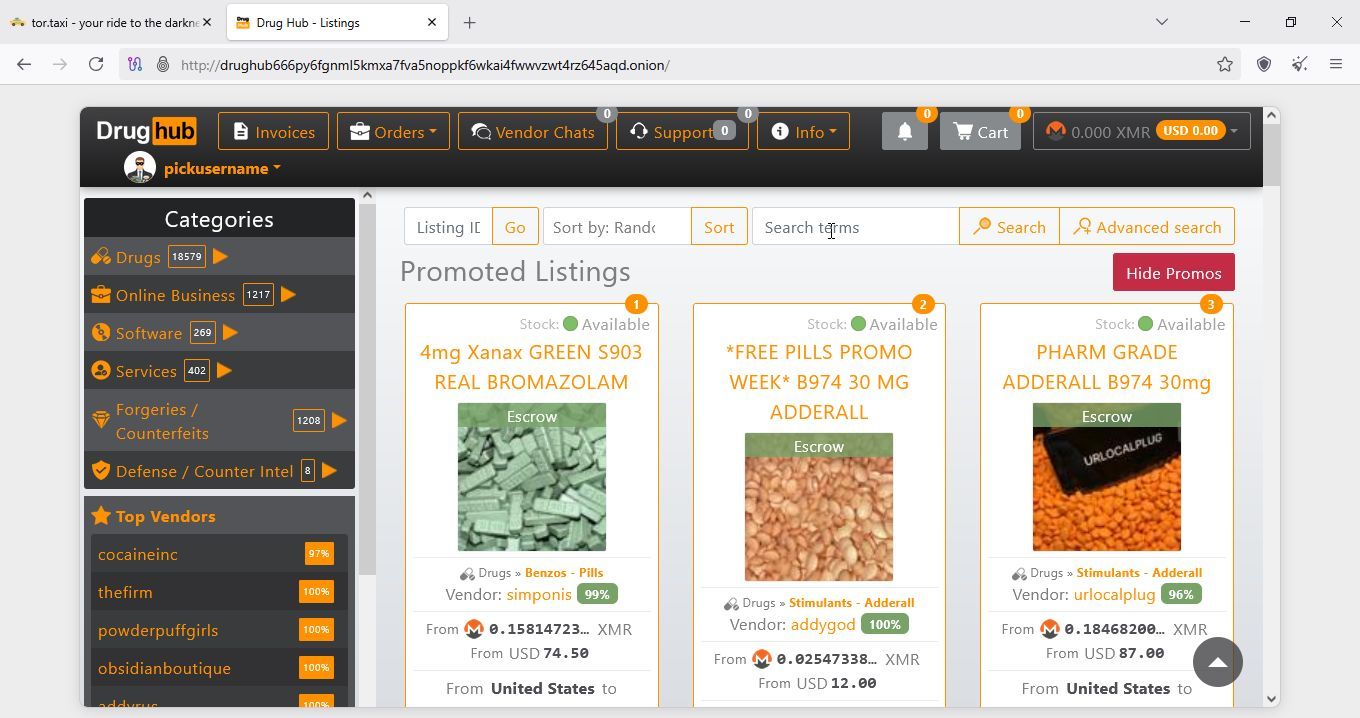
First we will go to tor.taxi, and there click on DrugHub
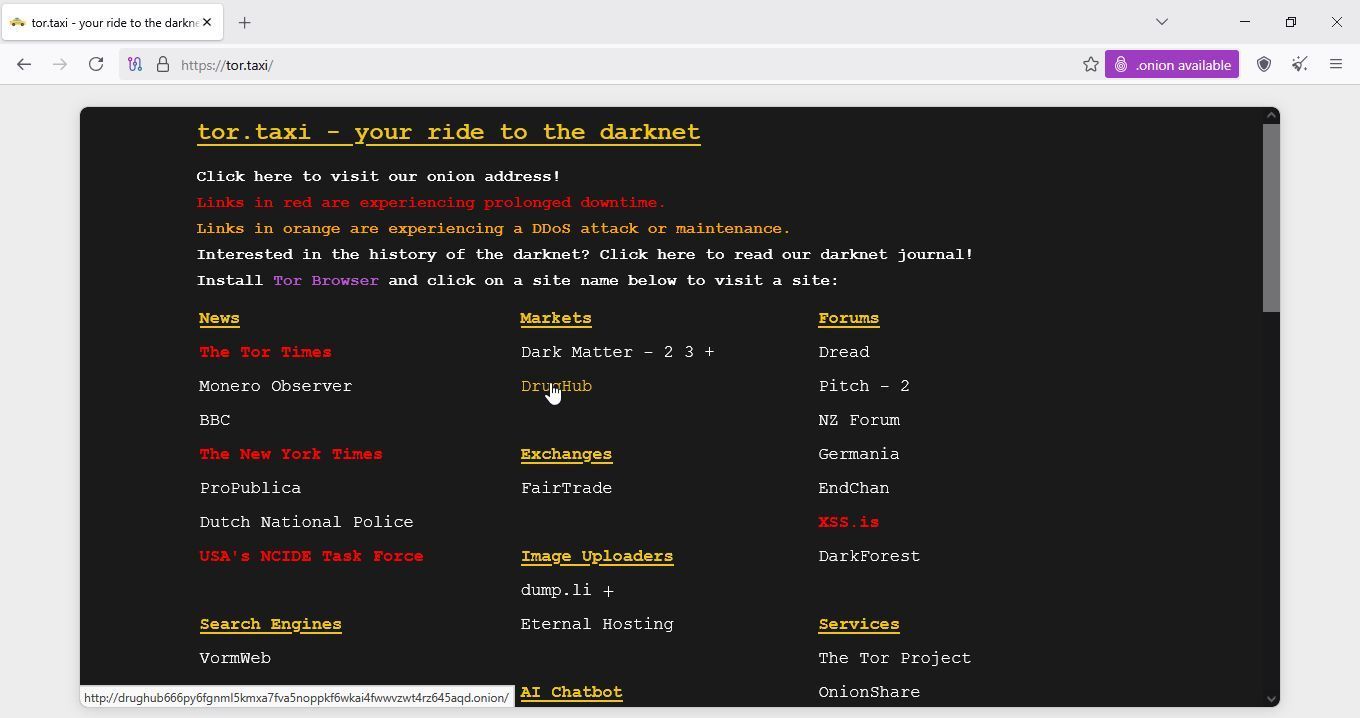
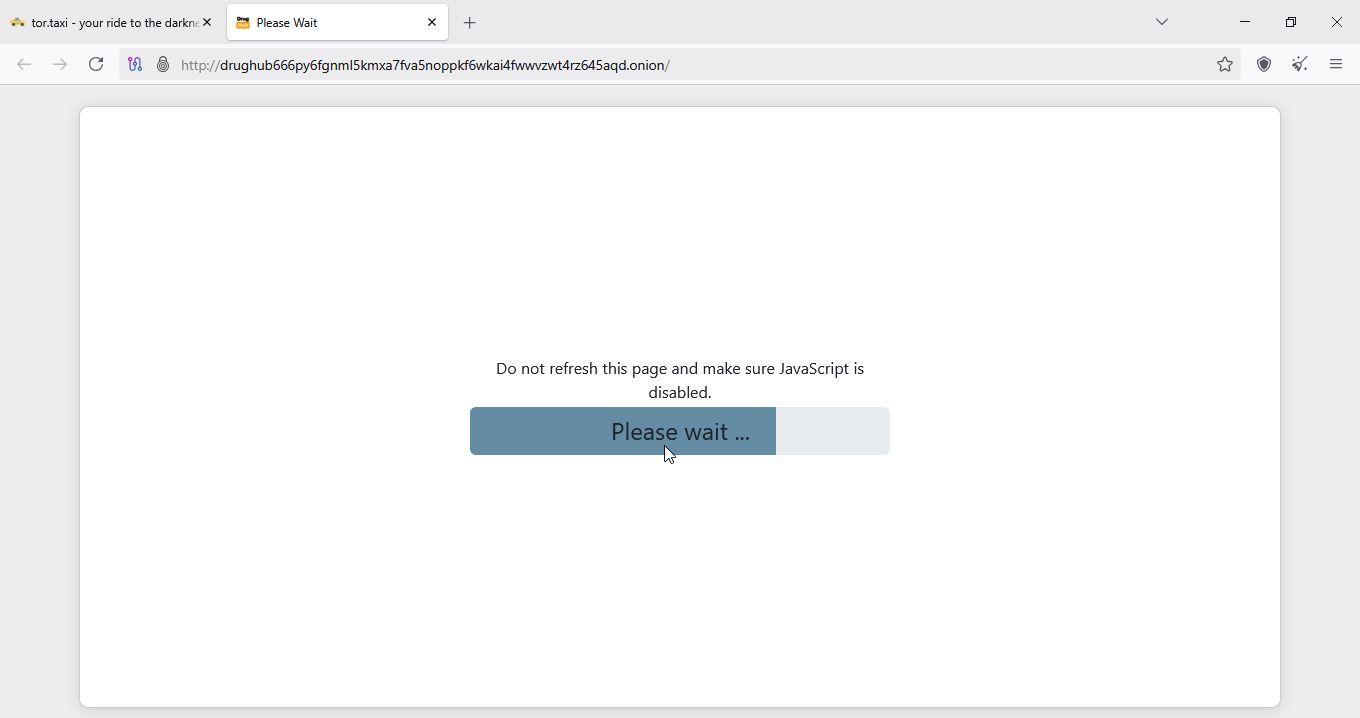
Now we have a wait for few seconds
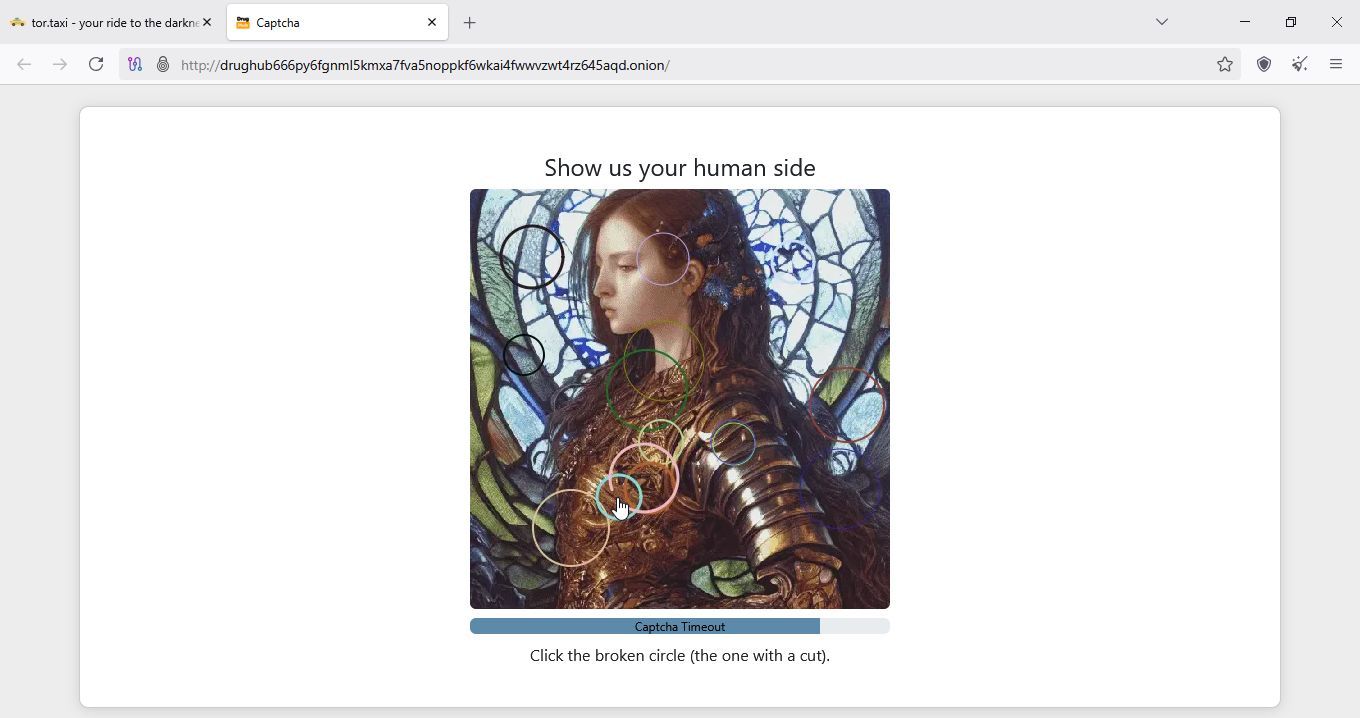
Now solve captcha
Now click on Register
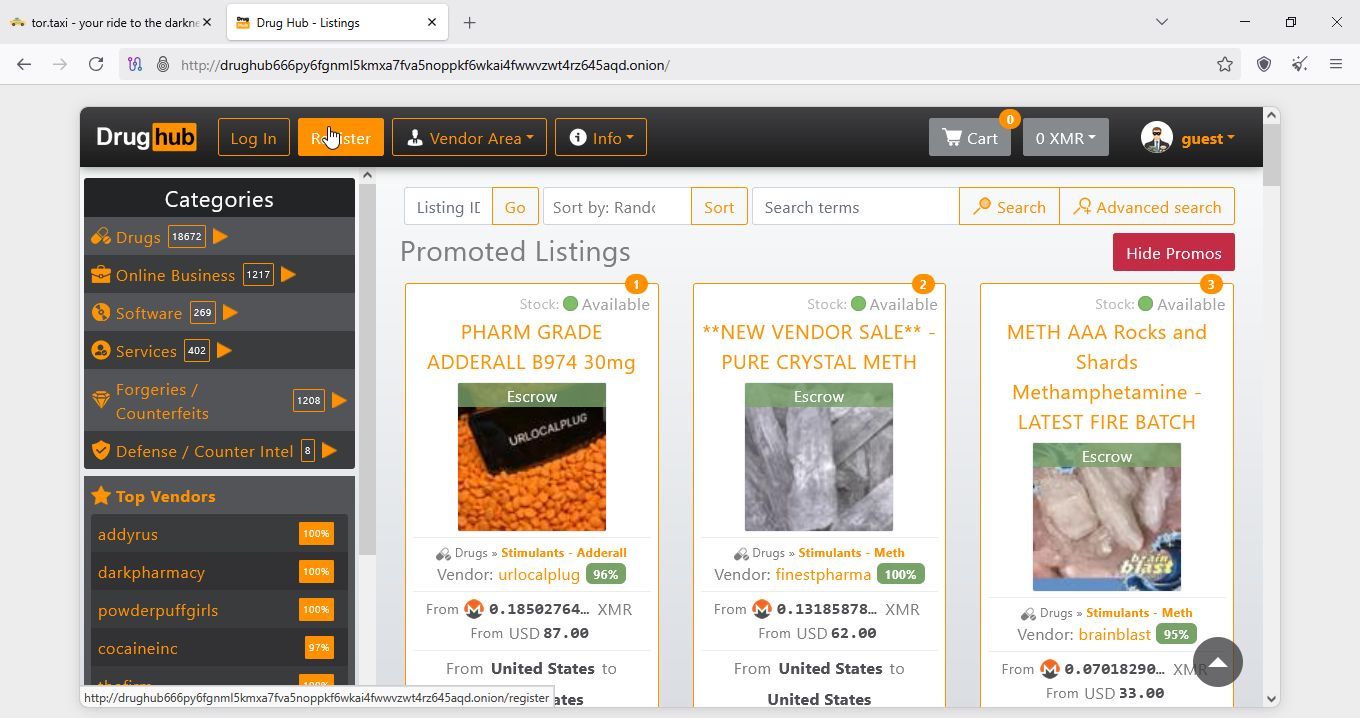
3.2 Registering account
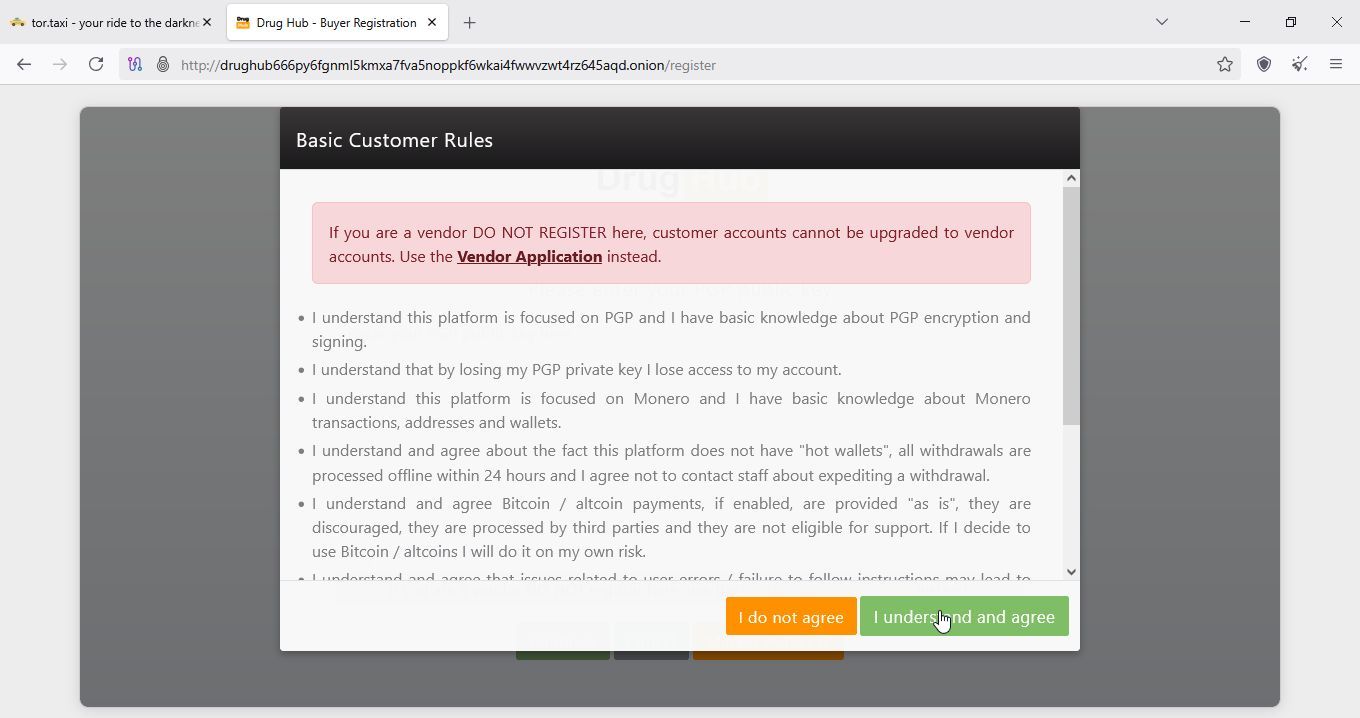
After we have clicked register, we might get new captcha, if so solve it, if not just click understand and agree
Now we need to copy our public key, if you forgot how to, here is link to exporting your key, from step 2.4
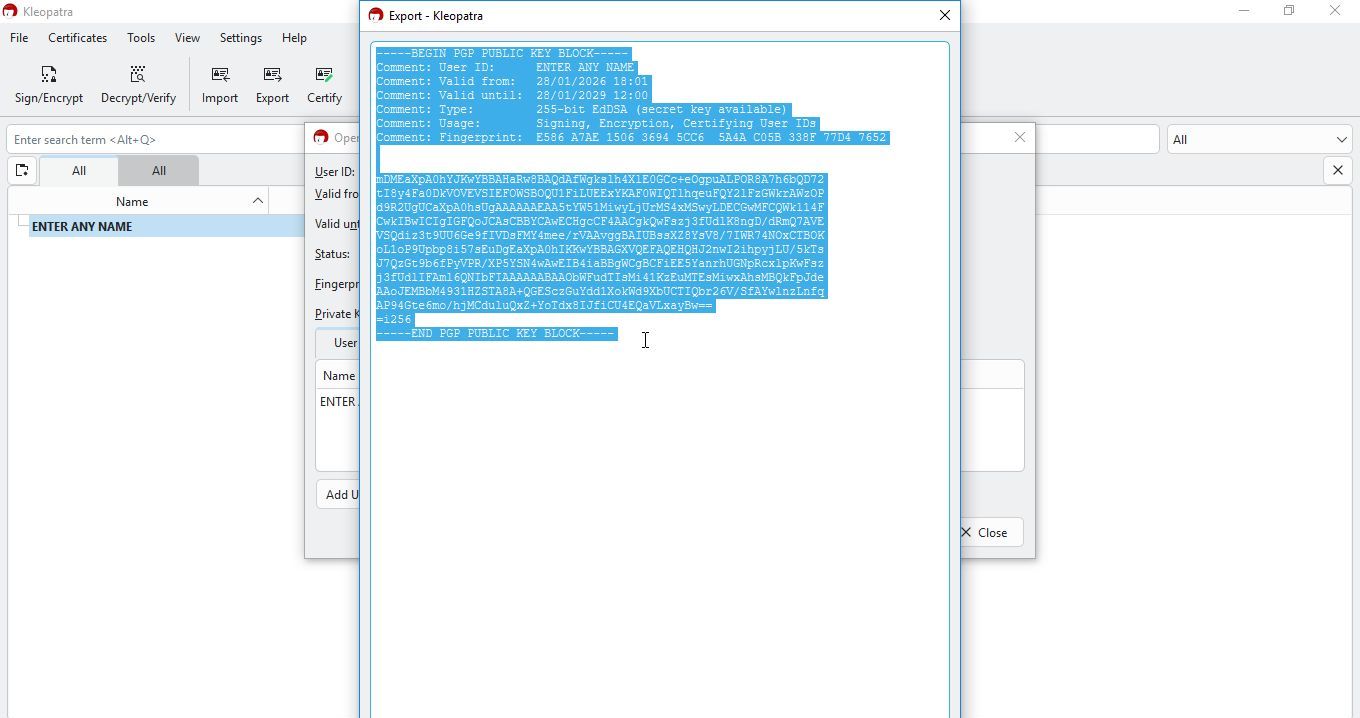
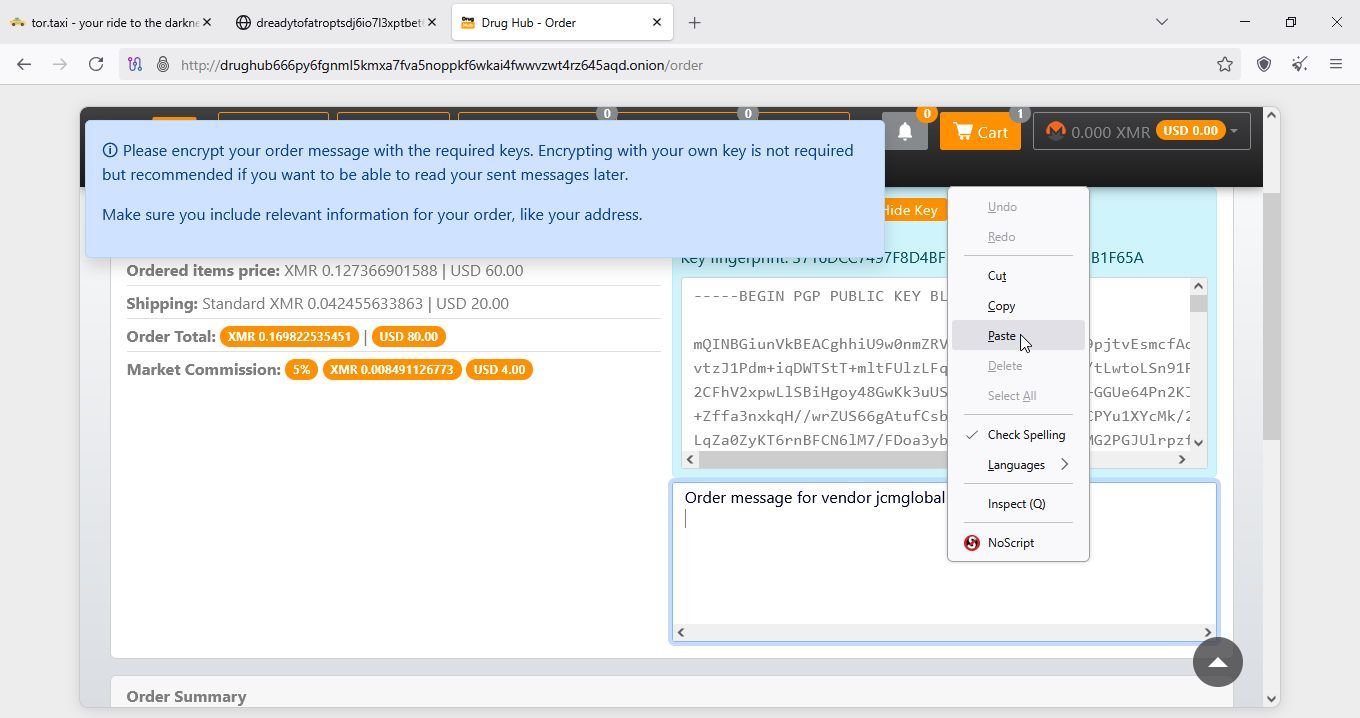
Now paste it into window on drughub
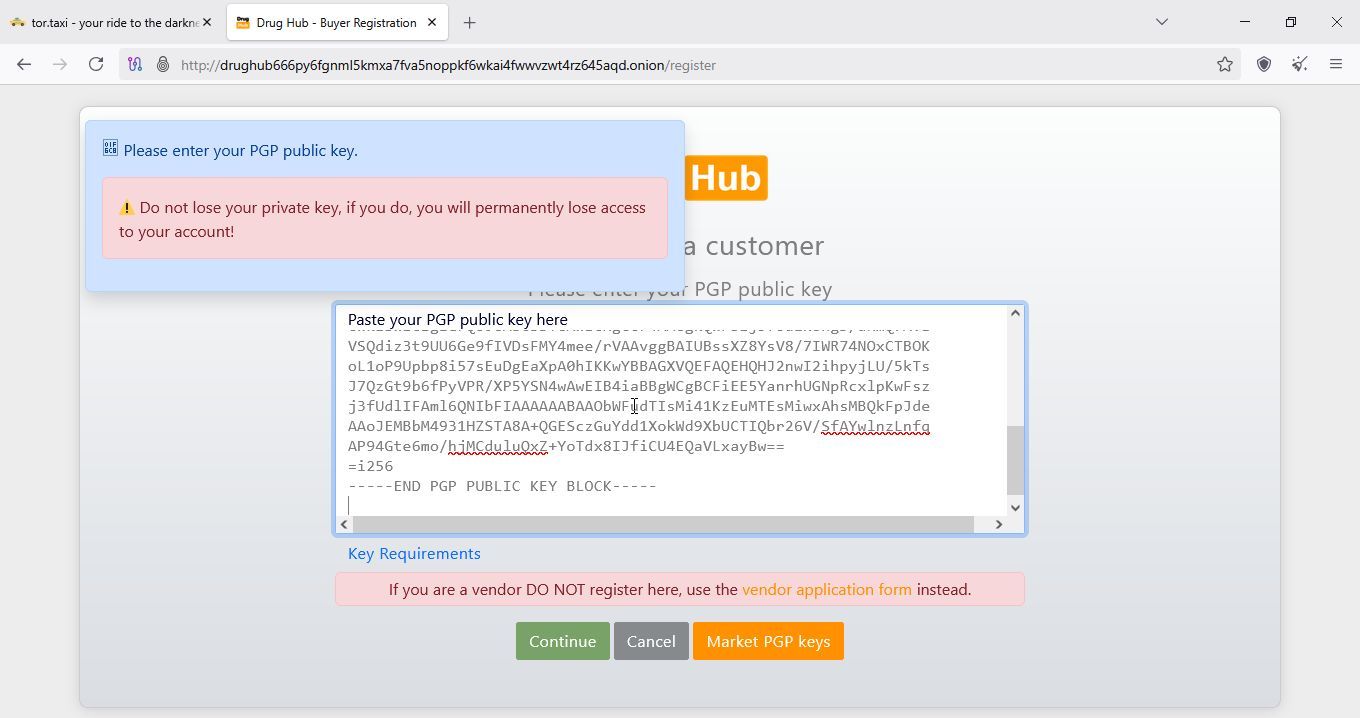
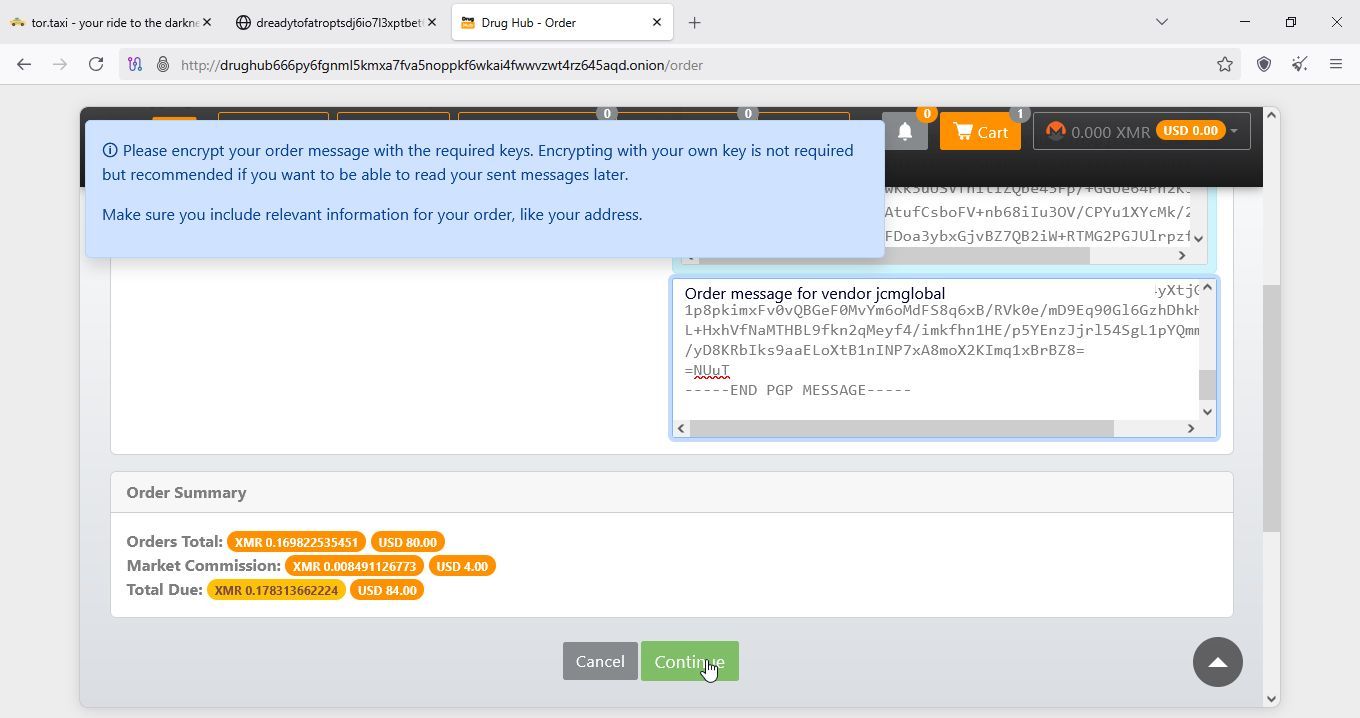
Now click on continue
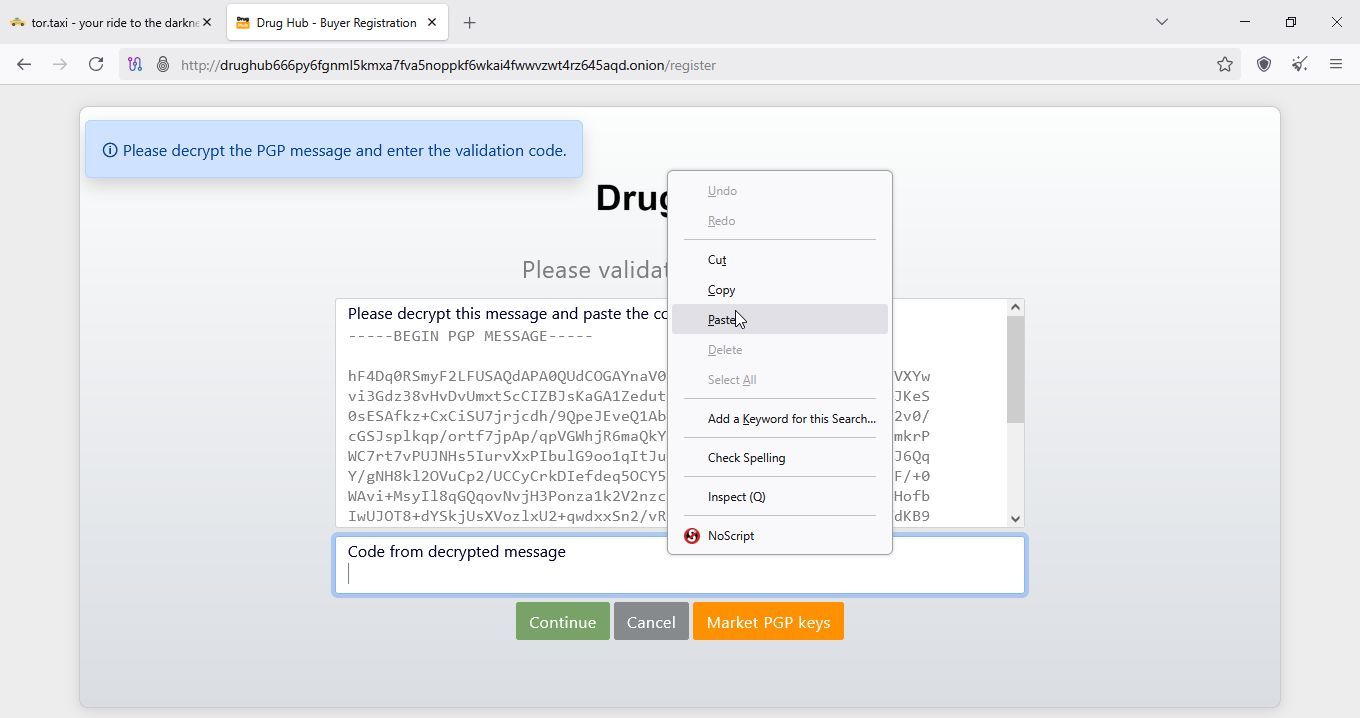
Now you will get new message, you will need to copy and decipher
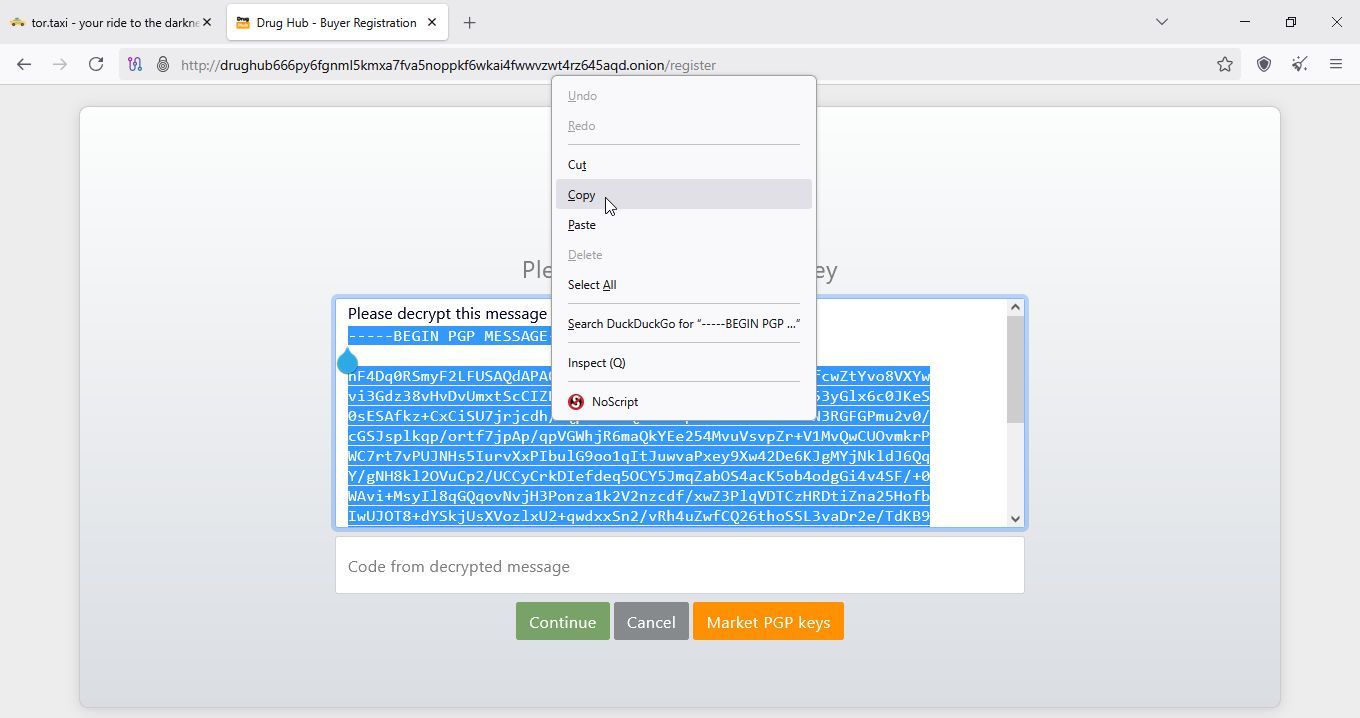
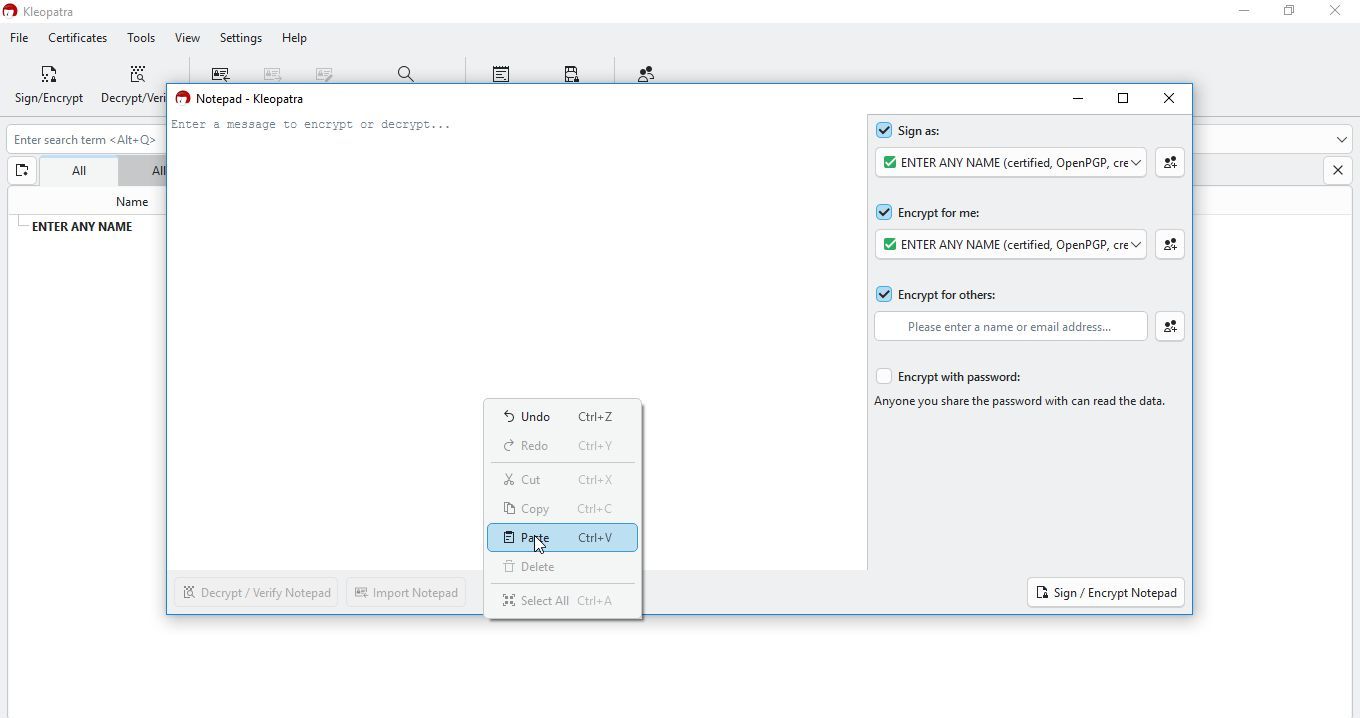
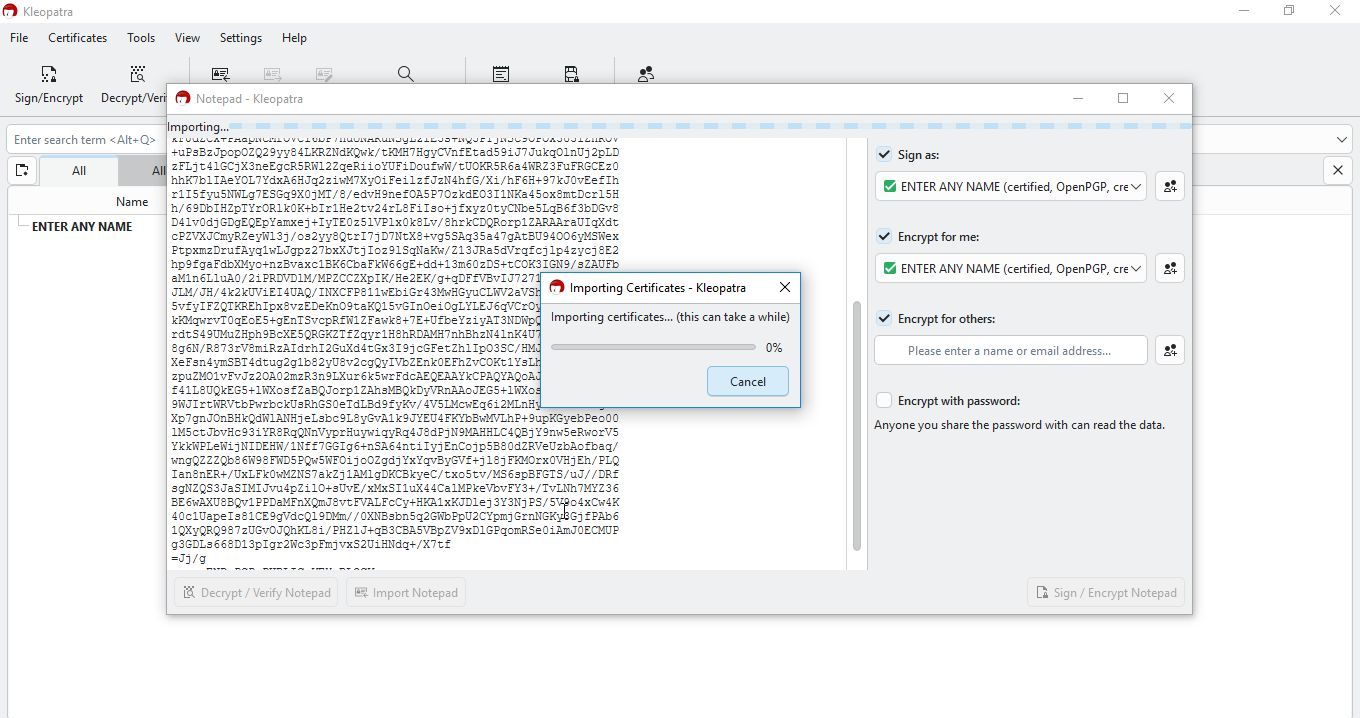
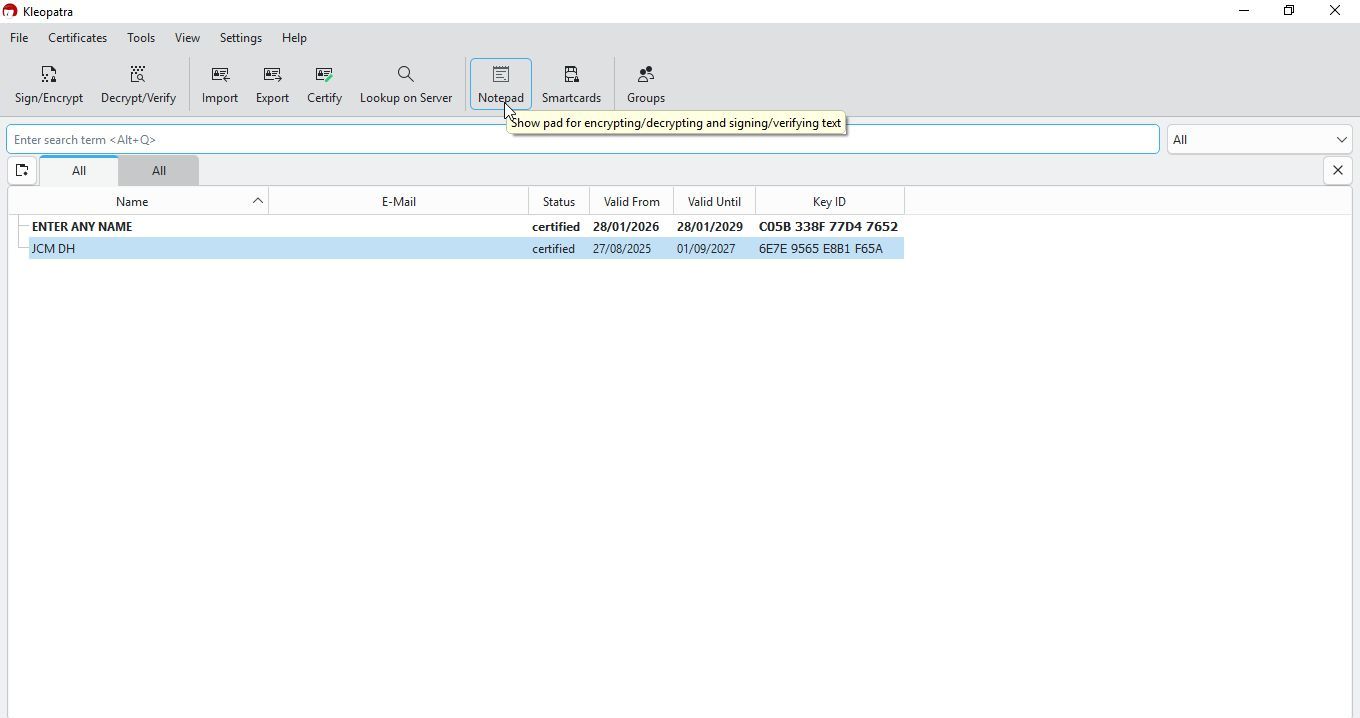
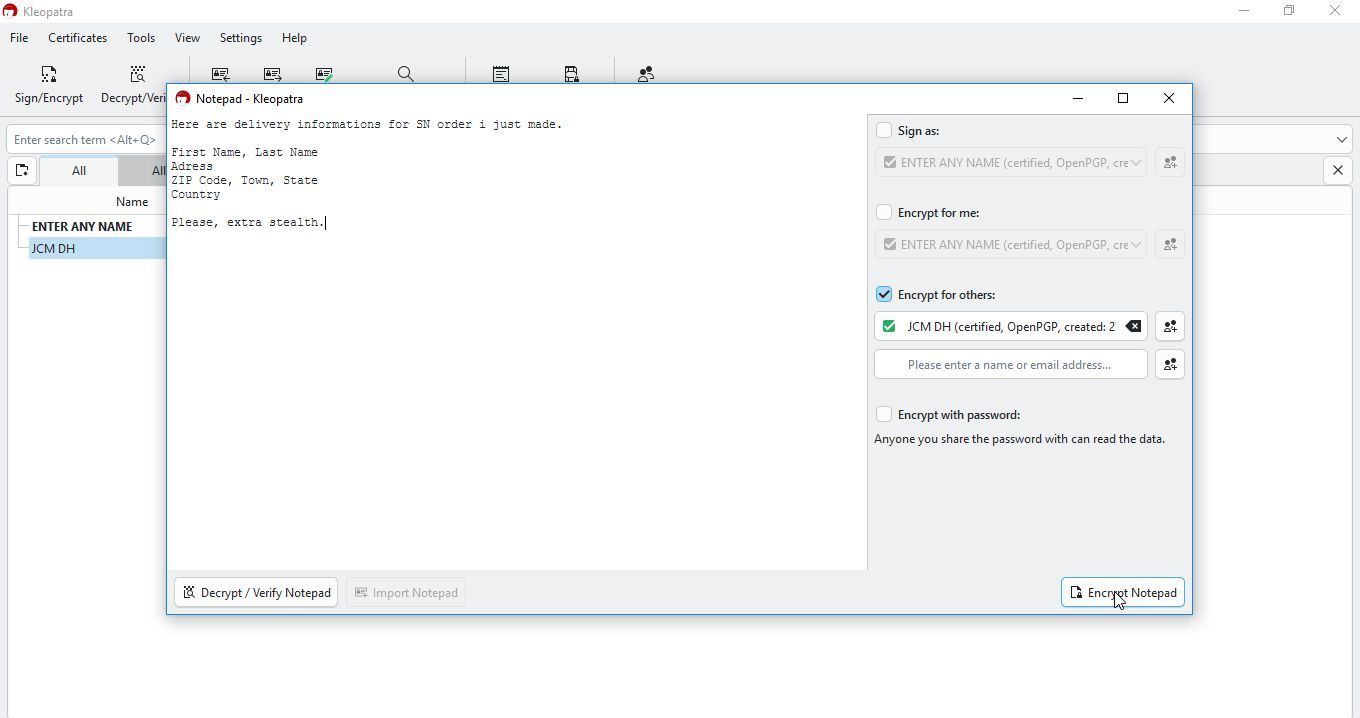
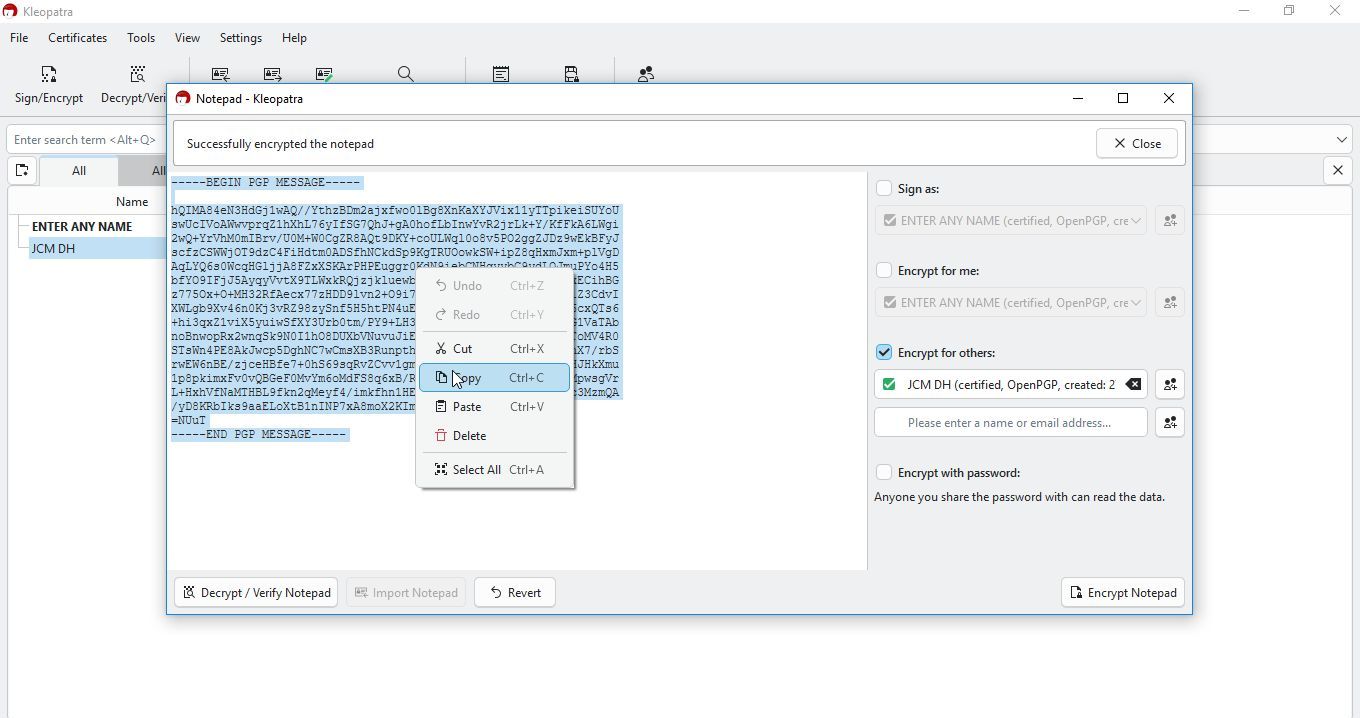
After copy, head back to kleopatra and open notepad
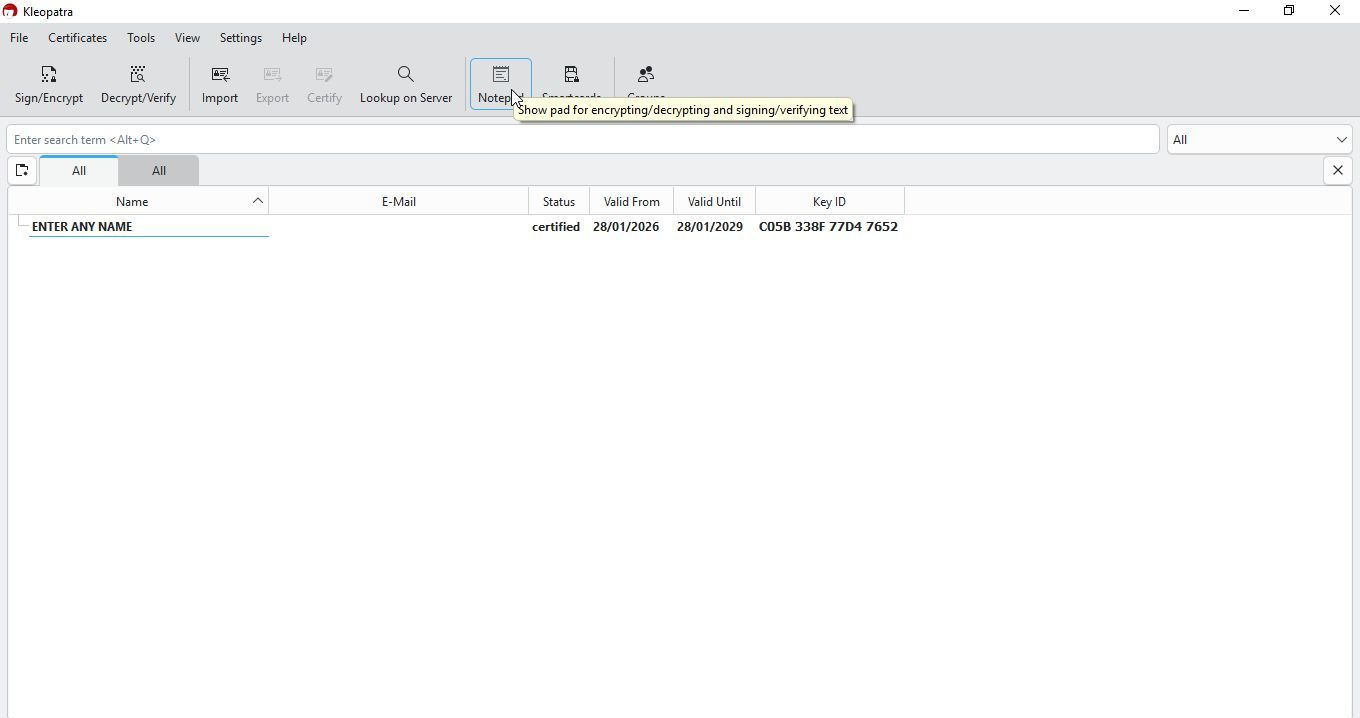
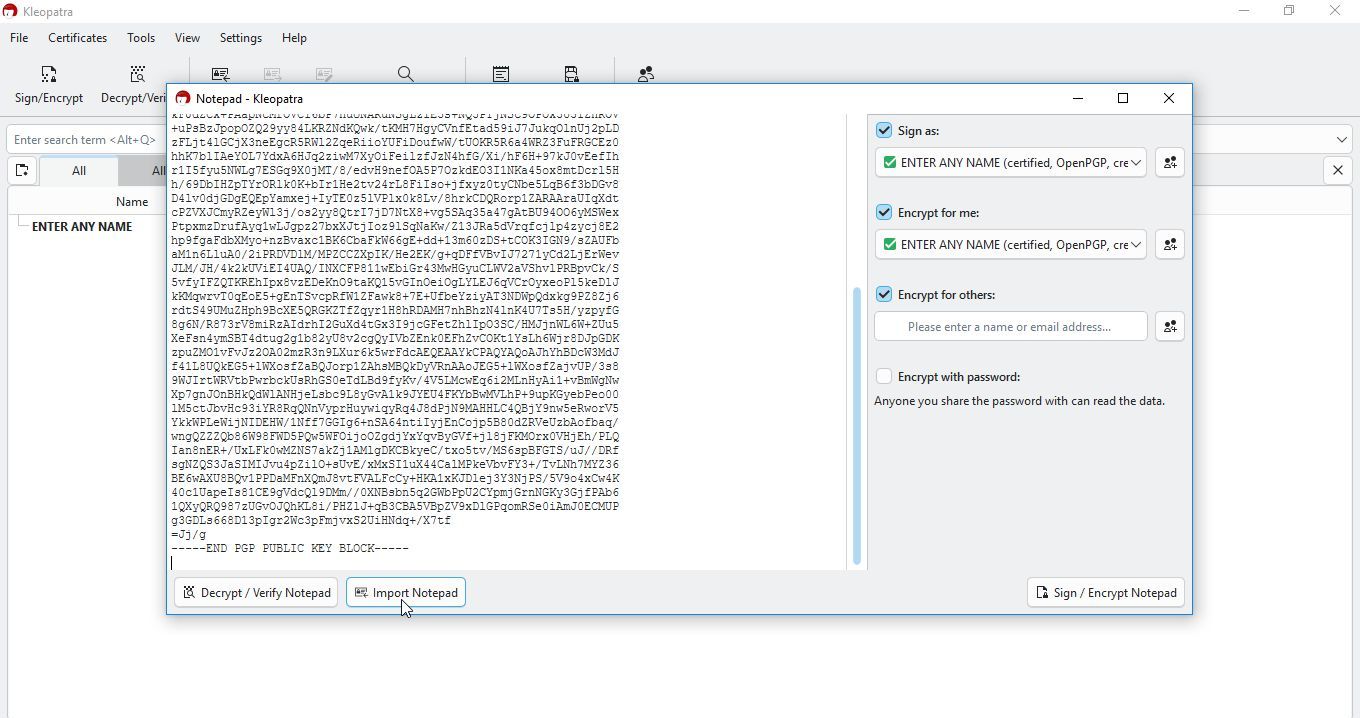
Paste message in Notepad
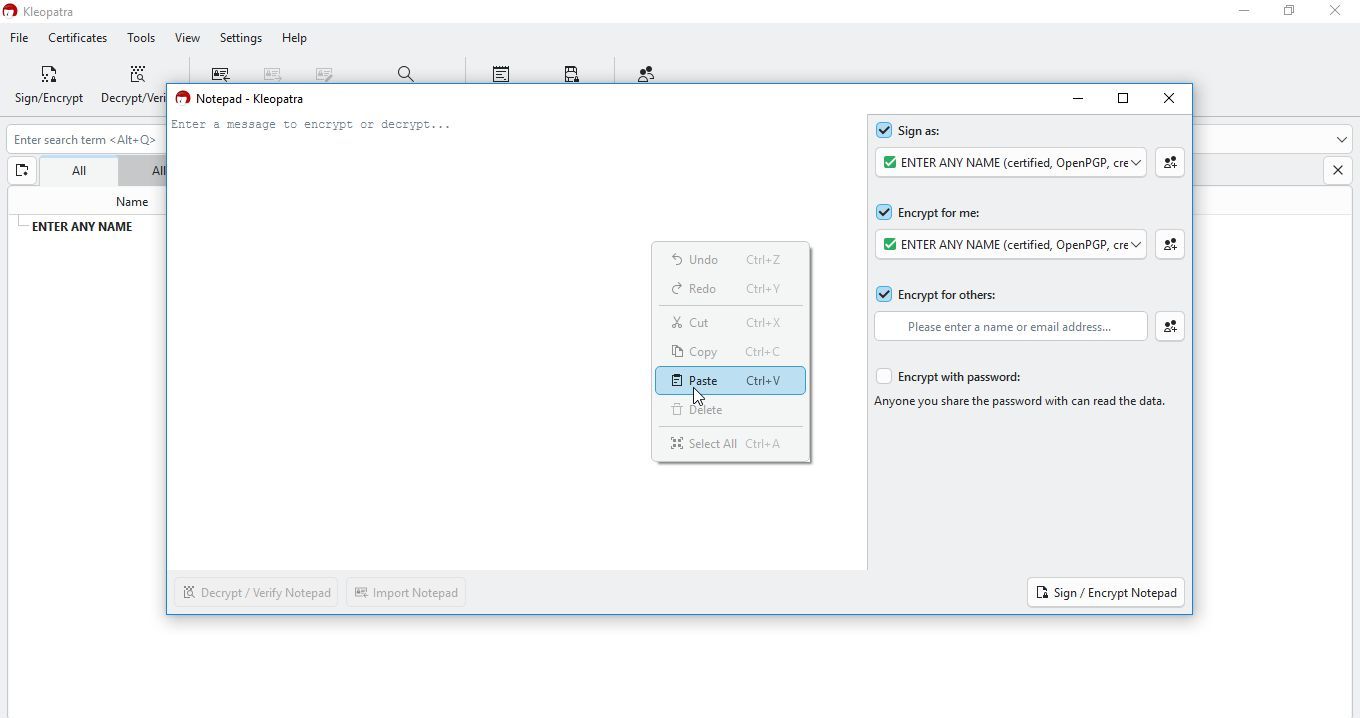
Now click on decrypt
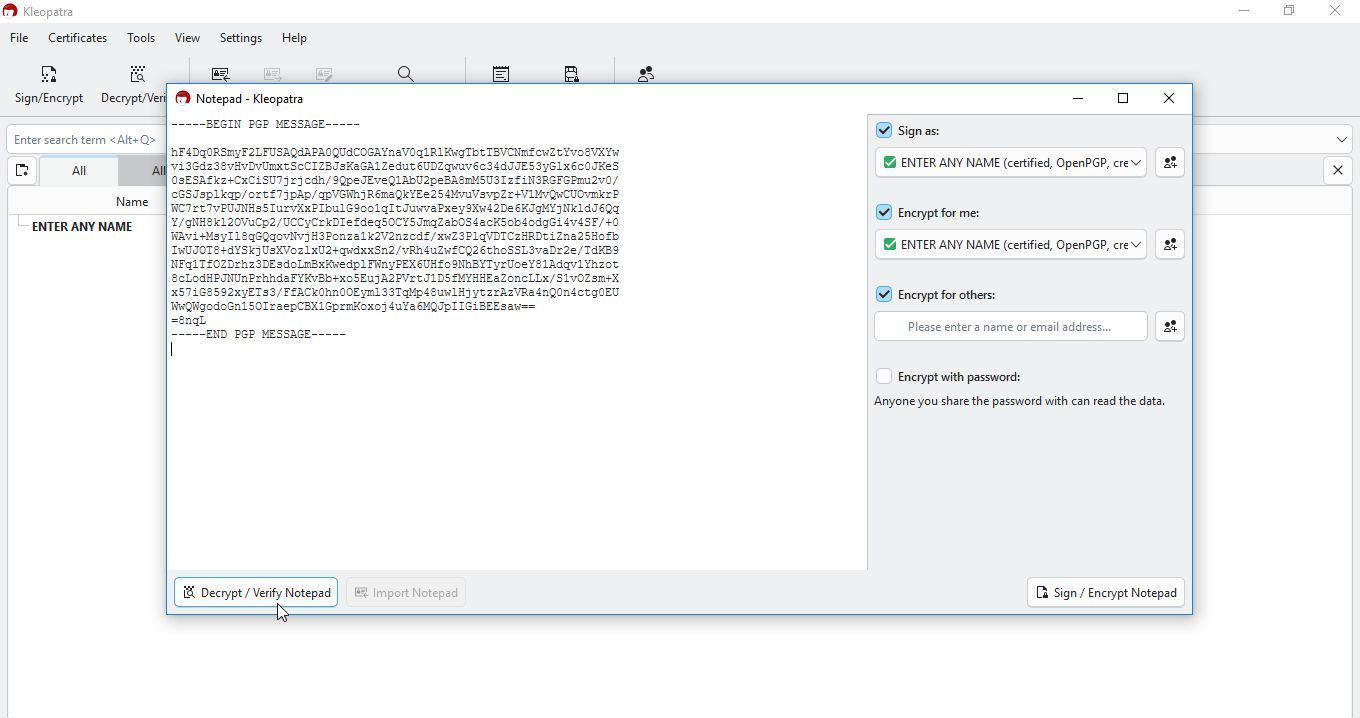
Now you will need to copy required code
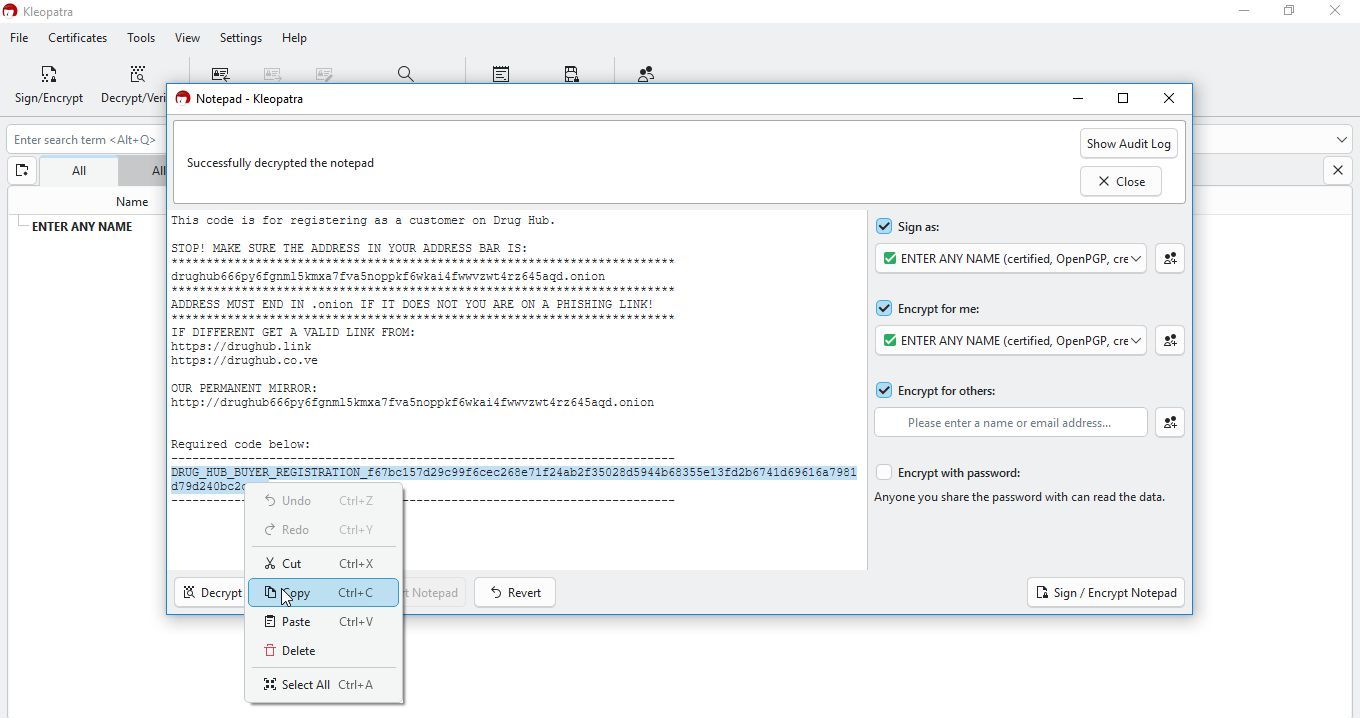
Head back to drughub, copy it, and click continue
Choose, or leave your chosen username, and click to continue
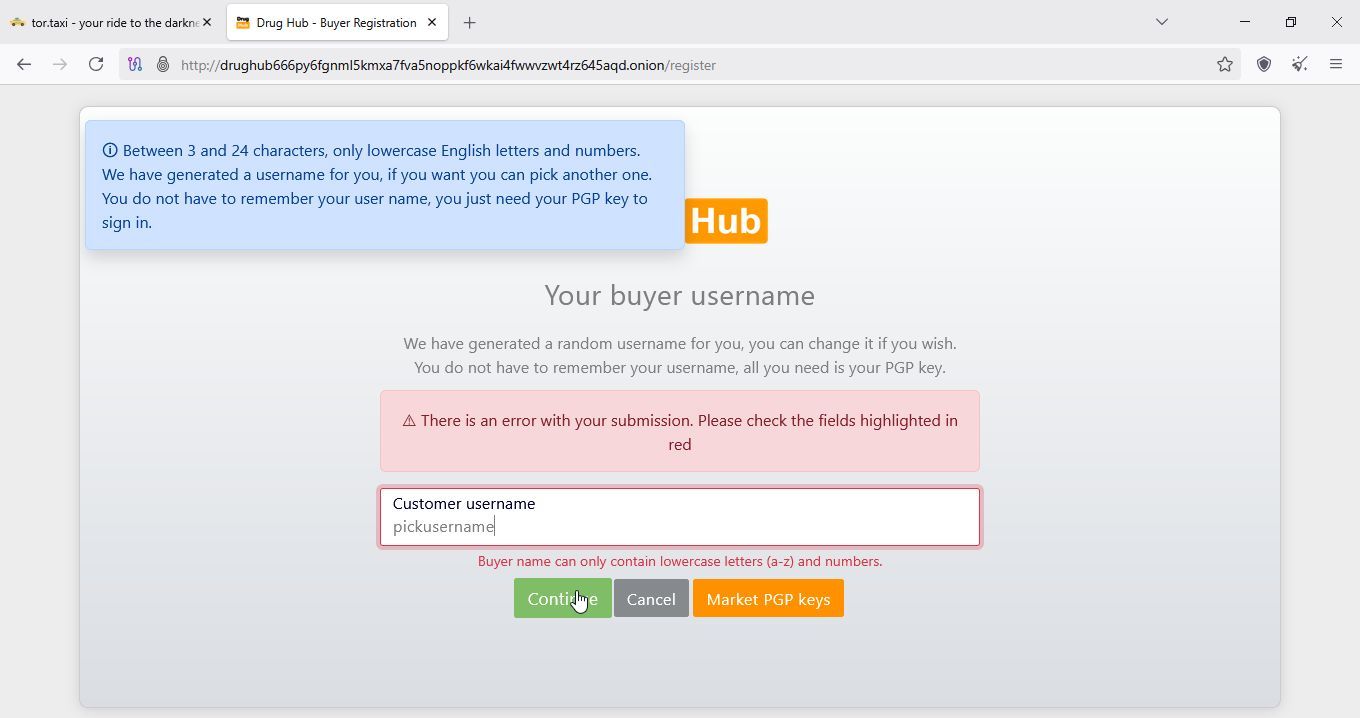
If there is any problems, just head back to DrugHub start page, you should be logged in.